
Table of Contents
ToggleIf you’re looking to breathe new life into Skyrim Special Edition, Nexus Skyrim SE is where the magic happens. The Nexus Mods platform hosts thousands of mods specifically designed for Skyrim SE, transforming everything from visuals and gameplay mechanics to character creation and quality-of-life features. Whether you’re a vanilla player ready to dip into modding or a seasoned modder tweaking your tenth playthrough, understanding how to navigate, install, and optimize mods from Nexus is essential. This guide walks you through the entire process, from account setup to troubleshooting common issues, so you can get back to exploring Tamriel with the enhancements you actually want.
Key Takeaways
- Nexus Skyrim SE is the largest modding repository for Skyrim Special Edition, offering thousands of community-created mods that enhance visuals, gameplay, and quality-of-life features.
- Use Vortex Mod Manager and Nexus Mod Manager Download for the fastest, most reliable installation method, combined with LOOT for proper load order optimization.
- Essential foundational mods include SKSE64, USSEP, SkyUI, SSE Engine Fixes, and SMIM—install these before other mods to ensure stability and compatibility.
- Optimize performance by using ESL-flagged plugins, avoiding overlapping heavy texture packs, tuning INI files with BethINI, and monitoring script load on lower-end hardware.
- Common issues like CTDs, missing MCM menus, and performance drops typically stem from improper SKSE64 configuration, incorrect load order, or conflicting mod installations that can be resolved through systematic troubleshooting.
What Is Nexus Skyrim SE?
Nexus Skyrim SE refers to the dedicated Skyrim Special Edition section on Nexus Mods, the largest modding repository on the internet. It’s a hub where the community uploads, downloads, manages, and discusses mods tailored specifically for Skyrim SE and Anniversary Edition content.
Nexus serves as the bridge between modders and players. When someone creates a mod, whether it’s a visual overhaul, gameplay rebalance, or new questline, they upload it to Nexus, where it’s indexed, tagged, and becomes discoverable to millions of players. This centralization is what makes Nexus so powerful: instead of hunting across Discord servers or Reddit threads, you’ve got a single platform with ratings, endorsements, version control, and installation tools built in.
The platform supports multiple Skyrim versions. Most users target Skyrim Special Edition, which runs on 64-bit architecture and represents the majority of active mod development. Anniversary Edition, the 2021 paid upgrade including Creation Club content, also has Nexus support, though mod compatibility can vary slightly.
Why does this matter? Because Skyrim Remastered: The Ultimate Guide to the Special Edition and Anniversary Upgrade in 2026 shows how pivotal version selection is when modding. Nexus Skyrim SE lets you filter by game version, dependency requirements, and endorsement count, tools designed specifically to help you make informed choices.
How to Install Mods from Nexus for Skyrim SE
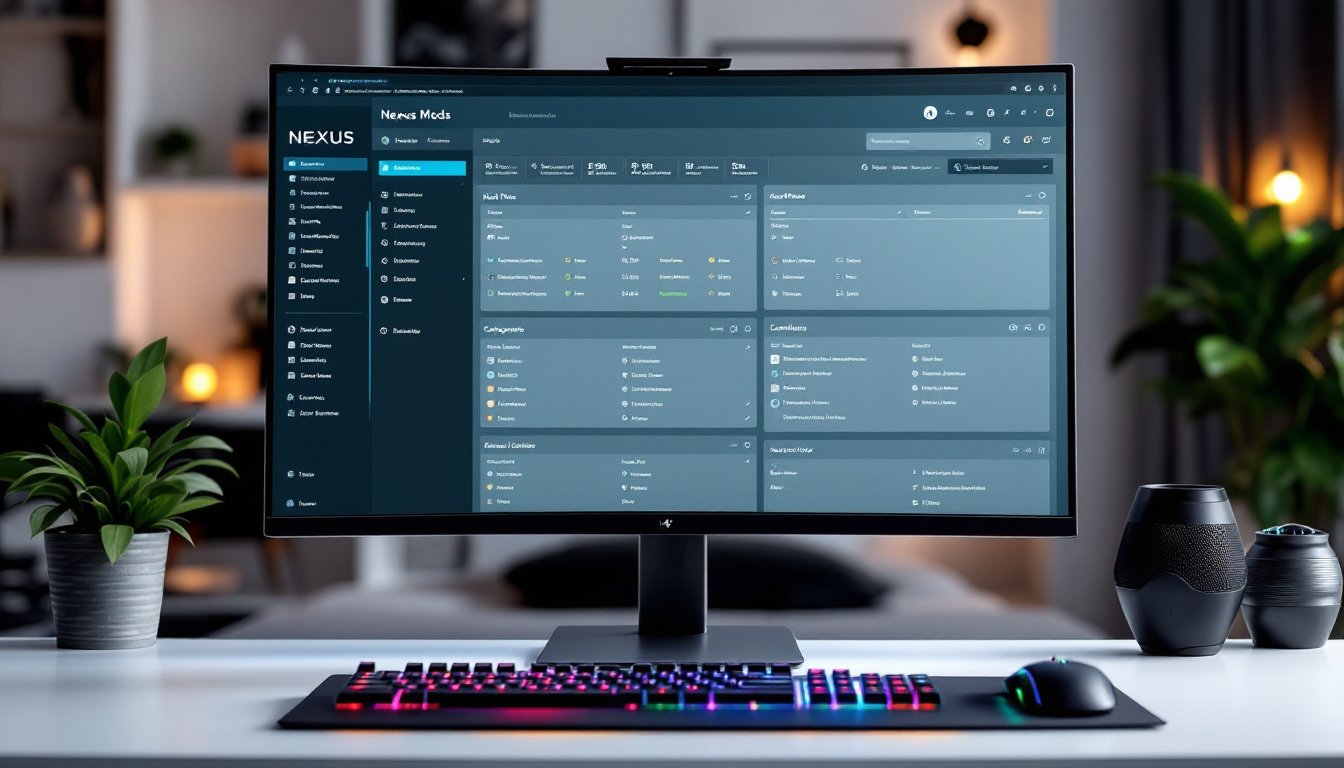
Getting started on Nexus is straightforward. Create a free account (premium membership is optional but convenient for mod authors), navigate to the Skyrim Special Edition game page, and browse mods by category, newest, or most endorsed. Each mod page includes a Description tab with installation instructions, a Requirements section listing dependencies, and a Files tab showing available versions.
When you’re ready to download, you’ll see two options: “Mod Manager Download” and “Manual Download.” We recommend Mod Manager Download for most users, it’s faster and less error-prone.
Using Nexus Mod Manager
Nexus Mod Manager (NMM) is legacy software: Vortex is the current official manager. Both work similarly, so the process applies to either.
First, install Vortex from the official site and point it to your Skyrim Special Edition installation directory (usually C:Program Files (x86)SteamsteamappscommonSkyrim Special Edition on Windows). Next, in your Nexus mod page, click “Mod Manager Download.” The file automatically queues in Vortex. In Vortex’s Mods tab, select the mod and hit Install.
Once installed, enable the mod in the Mods tab. If the mod includes a .esp or .esm plugin, it’ll appear in the Plugins section, enable it there too.
Now, load order matters. Use LOOT (Load Order Optimization Tool), an automated sorter that prevents conflicts and crashes. Open LOOT, sort your plugins, and apply the order. If your mod requires SKSE64 (Skyrim Script Extender), configure Vortex to launch Skyrim via skse64_loader.exe instead of the default executable.
Manual Installation Method
If you prefer manual installation or encounter manager issues, it’s not complicated.
Download the mod manually from Nexus, then extract the .7z or .zip archive to a temporary folder. Inside, you’ll typically find folders like Data, scripts, meshes, or textures. Copy these directly into your Skyrim Special EditionData directory. The structure mirrors the game’s folder layout, so Windows will merge them automatically.
Then, activate the plugin. Open Skyrim’s in-game Mods menu (main menu → Mods) and enable it, or use your manager if you’ve still got one installed. Manual installation is slower for bulk installs but gives you complete control and works when manager download links break.
Top Essential Mods for Skyrim SE on Nexus
Not all mods are created equal. Some are foundational and improve nearly every build: others are niche quality-of-life upgrades.
SKSE64 is non-negotiable. This script extender unlocks scripting functionality that vanilla Skyrim can’t access, and most advanced mods depend on it. Install it before anything else.
Unofficial Skyrim Special Edition Patch (USSEP) is the community-made fix for Bethesda’s unpatched bugs. It’s not flashy, but it fixes hundreds of quest issues, broken NPC dialogue, and exploits. Install early, keep it enabled.
SkyUI overhauls the entire interface, replacing the directional menu with a mod configuration system and searchable inventory. If you’ve felt Skyrim’s vanilla menus were clunky, SkyUI: The Essential Skyrim Mod That Revolutionizes Your Gaming Experience explains why this ranks as one of the most transformative mods on Nexus.
SSE Engine Fixes patches engine-level performance issues and memory leaks. On lower-end hardware, this alone can prevent stuttering and crashes.
Static Mesh Improvement Mod (SMIM) upgrades low-poly objects scattered throughout the world, barrels, lanterns, weapons. It’s a visual polish that doesn’t tank framerates.
RaceMenu gives you character creation tools rivaling modern RPGs. If the default appearance customization feels limiting, this mod is the answer.
XP32 Maximum Skeleton Special Extended (XPMSSE) replaces the skeleton (the underlying animation rig) with an extended version supporting additional animations and armor types. Most modders now build around this.
For immersion, JK’s Skyrim transforms towns and cities with detailed architectural overhauls. The interiors feel lived-in rather than repetitive. Skyrim Mod Packs: The frequently highlights city overhauls as the backbone of comprehensive mod setups.
These are starting points. Your personal setup will depend on your rig’s specs and gameplay preferences.
Optimizing Your Nexus Mods for Best Performance
Modding can tank your framerates if you’re not careful. Here’s how to maintain 60+ FPS while still enjoying visual and gameplay upgrades.
First, use LOOT religiously. A sorted load order prevents plugin conflicts, which often cause unexpected CTDs and stuttering. After adding new mods, run LOOT again, it re-sorts automatically as your mod list grows.
Second, prefer ESL-flagged plugins when available. ESL files are “light” plugins that don’t count against Skyrim’s 255-plugin limit, letting you run more mods without hitting the hard cap. Most simple texture and mesh mods are flagged ESL: script-heavy mods usually aren’t.
Third, avoid stacking overlapping heavy texture packs. Choosing one main visual suite, like a single enb preset with a consistent color grading, prevents redundancy and VRAM bloat. Don’t stack four different weather overhauls expecting better results: pick one and commit.
Fourth, tune your INI files. BethINI is a tool that lets you adjust draw distance, shadow quality, and particle spawn rates without hunting config files manually. Conservative settings preserve FPS: aggressive ones look stunning but crash on mid-range rigs.
Finally, be aware of script load. Heavy mods running lots of background scripts, especially quest-heavy overhauls, drain your CPU. On older systems, stick to visual and audio mods rather than gameplay-intensive builds. Check mod pages for performance warnings: reputable modders always note if their work is demanding.
Skyrim Lighting Mods: Transform covers visual optimization specifically, and the principles apply: sometimes the best visual leap comes from one carefully chosen mod, not ten mediocre ones.
Common Issues and Troubleshooting Tips
Modding can go wrong. Here’s how to fix the most common headaches.
Game won’t start after adding mods: Check if your new mods require SKSE64. If they do and you’re not launching via skse64_loader.exe, Skyrim silently fails to start. Verify SKSE64 is installed correctly and configured in your manager. If that’s not it, disable your most recent additions one by one and restart each time until the game launches.
Crashes or CTDs mid-game: Run LOOT immediately. Many CTDs stem from plugin order conflicts. If LOOT doesn’t fix it, verify your Skyrim files via Steam (right-click game → Properties → Local Files → Verify Integrity). Corrupted game files cause cascading issues. Next, check your mod page’s “Compatibility” section for known issues. Reputable mods include compatibility patches for overlapping work. If you’re still crashing, try a clean save: create a new character and test in-game. Sometimes old saves accumulate script corruption that mods expose.
MCM (Mod Configuration Menu) missing: This menu is how many mods expose their settings. If it’s absent, SKSE64 and SkyUI aren’t properly installed or you’re not launching via SKSE. Reinstall both, then verify you’re running the SKSE64 executable, not the vanilla launcher.
Performance drops after adding new mods: Profile your FPS before and after each installation using the in-game console (~, then type fps). If a single mod causes significant drops, it’s likely a heavy texture set, visual enhancement, or script-intensive feature. Check the mod page for performance recommendations. Sometimes running at slightly lower resolution or shadow quality offset a heavy mod’s cost.
When troubleshooting, patience beats panic. Most issues have straightforward fixes once you identify the culprit. STEP Skyrim Special Edition is an official modding guide that walks through building stable setups step-by-step, worth consulting if you hit persistent issues.
For broader insight, community recommendations for Skyrim SE mods often highlight which mods are historically stable versus those that demand careful configuration.
If you’re facing complex conflicts or need broader gaming context, Rock Paper Shotgun regularly covers Skyrim modding trends and releases.